
Save as icon on screen
The procedure to add the site as an icon on the iOS home screen is as follows:
- Go to cashpoints.productline.no.
- Login to the system
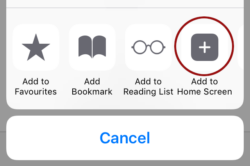
- Then, select the add button in the bottom menu.

- Hereafter select “Add to Home Screen”.
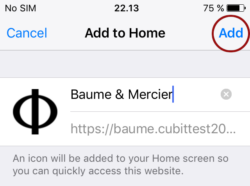
- Optional: You have the option to change the name of the icon. Select “add” afterwards.
Start here: cashpoints.productline.no
